Skip to content
bdjji App / Live
LIVE LOBBY

bdjji — Cricket, Slots and Live Tables in One Account

From cricket markets to live baccarat, everything sits inside a single wallet you fund with bKash, Nagad or Rocket. Switch between sports and casino without logging out or moving money between separate accounts — your session, your pace.

bKash Nagad Rocket
Browse games
CONTENT / 01

Cricket Betting Is Where Most Sessions Start

Cricket is the category that brings most Bangladesh players through the lobby door first. The sports section covers international cricket including matches across the major ICC formats, as well as BPL and IPL fixtures when they are scheduled. Markets are presented inside the sports navigation — you do not need to search for them. Inside the cricket section, each match listing shows the available market types beneath the fixture name — you can expand a match to see whether it carries only match-winner options or a fuller set of innings and over-by-over markets.

  • Cricket Markets

    International cricket, BPL and IPL fixtures appear in the sports section when scheduled. Markets open before a match and update through live play. Your stake is placed from the same wallet you use for casino — no separate account needed.

  • Football Markets

    Football markets sit alongside cricket in the same sports navigation page. Browse available fixtures, open a market and place from your wallet. Moving between football and cricket within the sports section does not require a separate login or any wallet transfer step.

  • Live In-Play

    In-play markets update in real time during a match. Open a live cricket or football event from the sports page and the available markets refresh as the game progresses. The odds shown are the current live figures; place your stake directly from the market screen without navigating away.

BDJJI
Mobile casino lobby
Popular Live Slots
Cricket Wicket Win Baccarat JetSet Holdem Battlefield
MOBILE LOBBY

Built for phones, clear on desktop

Cards, tables, FAQ and policy pages stay easy to read on smaller screens.

  • Quick categories
  • Mobile first
  • Access
App
CONTENT / 03

Browse bdjji from Any Device on Your Hand

The bdjji mobile experience runs directly in your phone browser — no download required, no app store step to clear first. Open your account page on Chrome or any standard Android browser and the full lobby loads: sports markets, slot rooms, live tables and your wallet balance in one scrollable view. When you return to bdjji on the same device, the browser will often reload your session without requiring you to sign in again, provided you have not manually cleared your cookies or cache. If the layout feels compressed on a smaller screen, rotating to landscape mode widens the sports markets panel and makes the live table grid easier to read. Bookmarking the bdjji.app address to your home screen gives you a one-tap path back to the lobby without opening a new browser tab each time.

  • Browser-Based Play

    Load bdjji from your phone browser without installing anything. The full lobby — sports, slots and live tables — displays correctly on any standard Android or iOS browser. Your wallet balance and navigation menu stay visible at the top of the screen throughout your session, so switching between sections takes one tap.

  • Session Continuity

    If your connection drops, bdjji reloads your authenticated session rather than sending you back to the login page.

  • Wallet at the Top

    Your account wallet — funded via bKash, Nagad, Rocket or Bank Transfer — displays as a persistent chip row at the top of every lobby page on mobile. You can check your available balance before entering any sports market or slot room without navigating away from the game section, keeping your decision-making in one place.

ACCOUNT PATH

Open, Deposit and Explore in Three Clear Steps

Starting at bdjji follows a short, ordered path that most people complete on a phone in a single sitting. Each step builds on the previous one, so there are no surprises mid-way through the process. The first step is creating your account, which requires a valid phone number and a password you set yourself during registration. The second step is navigating to the wallet section and completing a deposit using whichever payment method is already active on your phone. The third step is choosing a section of the lobby — sports, slots or live tables — and opening a market or game from there. If any step produces an error message, the support route described elsewhere on this page is the correct place to report it, as the account team can check the specific stage where the process stopped.

  1. Step 1 — Create Your Account

    Open the account registration page, fill in the required fields and confirm your email address. The confirmation message arrives in your inbox; clicking the link activates your account immediately. From that point your account is live and you can proceed to the deposit section without waiting for any manual review.

  2. Step 2 — Fund Your Wallet

    Go to the deposit section inside your account and choose your preferred local payment: bKash, Nagad, Rocket or Bank Transfer. The form shows the exact instructions — recipient number, transfer reference and any minimum amount set by the method.

  3. Step 3 — Enter the Lobby

    The main navigation splits sports and casino into two clear rooms from the same screen. Open cricket betting markets, browse slot titles from studios like Spadegaming or CQ9, or sit at a live table — all within the s

MEMBER DESK / 06

Offers, support and account controls

01

Game lobby

02

Payment guide

03

Support

LOCAL PAYMENTS

Deposit with bKash, Nagad, Rocket or Bank Transfer

Every payment method available at bdjji is configured around how Bangladesh players actually manage money on their phones. bKash and Nagad are available as direct deposit options from the wallet section of your account — the form shows the recipient number and the r

  • bKash

    bKash deposits are made directly from the wallet section of your account. The deposit form shows a bKash recipient number and a payment reference.

  • Nagad

    Nagad works through the same deposit form flow as bKash. Open the deposit section, select Nagad, and the form provides the transfer details — recipient number and reference code.

  • Rocket

    Rocket is available as a deposit option for eligible accounts. Select Rocket in the deposit form, follow the recipient and reference details shown, and send from the Rocket app on your phone.

  • Bank Transfer

    Bank Transfer suits those who prefer moving funds directly from a standard bank account. The deposit section of your account provides the bank details and transfer reference needed.

Banking
DISCOVER / 01

Choose your game

Full lobby
GAME NETWORK
Spadegaming
PlayStar
CQ9
Joker
Bigtime Gaming
Microgaming
CONTENT / 04

bdjji lobby studios

The bdjji lobby carries content from Spadegaming, PlayStar, CQ9, Joker, Bigtime Gaming, Microgaming. To check the studio, rules or features of one specific game, open that game card or the published information panel.

  • Spadegaming

  • PlayStar

  • CQ9

  • Joker

  • Bigtime Gaming

  • Microgaming

TRUST / 03

Get Help with Your Account, Wallet or Access

Support at bdjji covers the routes most accounts need: wallet questions, login access, deposit matching and game or sports market queries. The support section is accessible from your signed-in account menu — look for the help or contact option in the navigation. When contacting support, having your registered phone number and the approximate time of the transaction or event ready will allow the team to locate your account record more quickly. If your query relates to a wallet movement, note the payment method you used and the reference number shown in your phone's transaction history, as this is the detail most commonly needed to trace a deposit or withdrawal. For login access issues, the account recovery option on the sign-in page handles most cases automatically, but if that route does not resolve the problem, the support team can verify your identity through the phone number on your account and assist from there.

  • Wallet and Deposit Help

    For any question about a bKash, Nagad, Rocket or Bank Transfer deposit — including a payment that is showing pending or a balance that has not updated — open a support request from the help section of your account.

  • Login and Account Access

    If you cannot sign in, use the password reset option on the login page before contacting support. The reset link goes to your registered email address and lets you create a new password immediately.

  • Game and Sports Market Queries

    If a game round did not settle correctly, a live table dropped mid-hand, or a sports market result looks incorrect in your history, report it through the support section of your account.

Learn more →
ACCOUNT DESK

Account information

Review current account information after signing in.

Login
FEATURED TITLES

Games from the Lobby Worth Opening First

The bdjji lobby includes titles that sit naturally at the intersection of sports-aware play and casino mechanics. Cricket Wicket Win and Football Goalrush are the two games in the catalogue that carry a sports theme into slot-style mechanics — useful en

  • Cricket Wicket Win

    Cricket Wicket Win is a slot-format game built around cricket mechanics. It sits in the sports-themed section of the casino lobby and works well as a bridge from the sportsbook into casino play.

  • Crash Thunder

    Crash Thunder is a crash-format game where a multiplier climbs and you choose when to exit before the round ends. The mechanic is fast — each round resolves in seconds. It is accessible from the casino lobby under the crash game category.

  • Baccarat JetSet

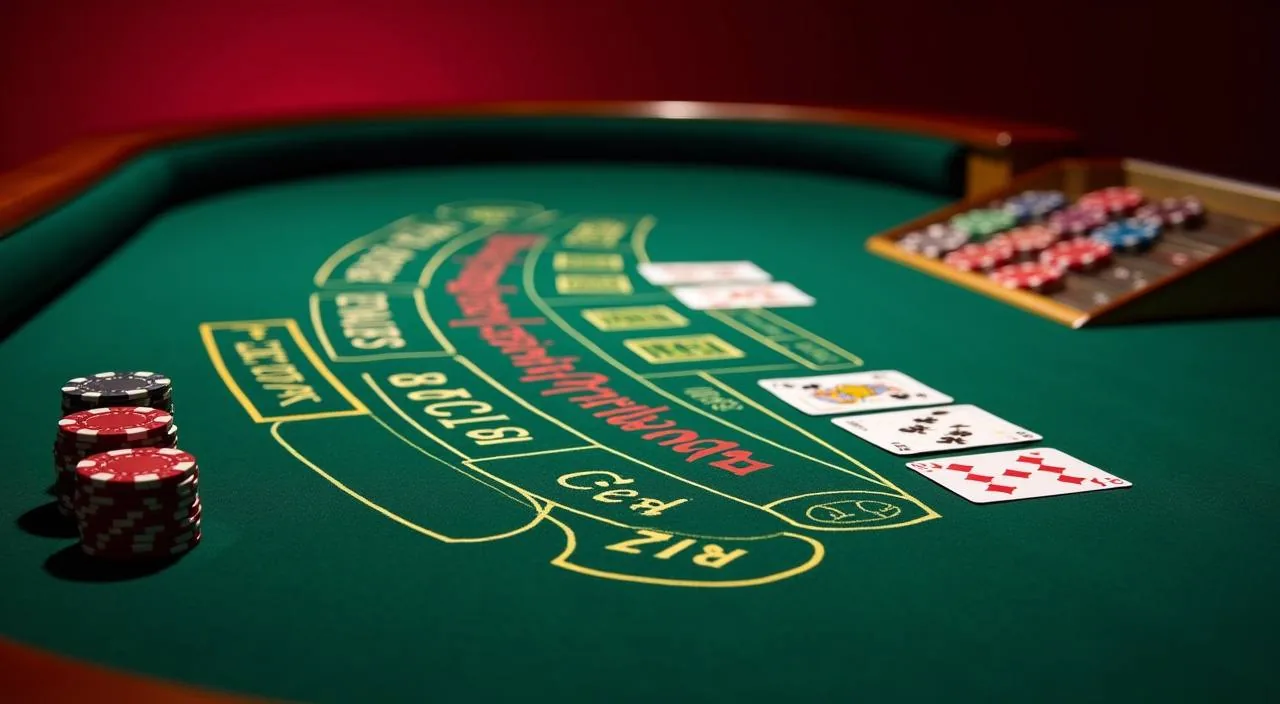
    Baccarat JetSet is a baccarat variant in the live and table game section of the casino lobby. The format follows standard baccarat rules with a styled table environment. It suits accounts that move from sports into live games rather than slots.

TRUST / 03

How bdjji Handles Your Account and Access

The credibility of an account-based platform comes down to a few concrete things: whether the payment routes it names actually work, whether the account navigation is clear enough to use without calling support, whether the gam

  • Verified Payment Routes

    bKash, Nagad, Rocket and Bank Transfer are configured in the deposit and withdrawal sections of the account. The deposit form shows the exact recipient details and reference for each method. Your transaction record inside the account tracks every deposit and withdrawal so you can verify the status without contacting support for routine checks.

  • Named Game Studios

    The six studios supplying game content to bdjji — Spadegaming, PlayStar, CQ9, Joker, Bigtime Gaming and Microgaming — are listed in the lobby filter. You can verify which studio a title belongs to by filtering the lobby by studio name.

  • Single Account, Both Rooms

    One account, one wallet, one login covers both the sportsbook and the full casino lobby. You do not need a separate account or a wallet transfer to move from cricket betting to a slot room or live table.

  • In-Account Support Access

    The support route at bdjji is accessible from inside your signed-in account menu. For deposit queries, bring your transaction reference. For game queries, note the title and the time of the round.

Learn more →
PLAYER INDEX / 07

Key Terms You Will See Across the bdjji Platform

Before you move through the lobby for the first time, a few terms that appear across the account, wallet and game sections are worth knowing. The term lobby refers to the main navigation page you land on after signing in, from which all game categories and sports sections are reached. Odds in the sports section express the return calculation attached to a particular outcome — understanding whether the odds displayed are in decimal or fractional format helps you read the potential return before placing a wager. The wallet section is the area of your account where your current balance is shown alongside the deposit and withdrawal controls.

Player guide and glossary
  • What is the account wallet at bdjji?

    Your account wallet is a single balance that covers both the sportsbook and the casino lobby. When you deposit via bKash, Nagad, Rocket or Bank Transfer, the funds go into this one wallet.

  • Where do I find my transaction reference after a bKash deposit?

    After completing a bKash transfer, the bKash app generates a transaction ID for that payment. This is your transaction reference.

  • What does RTP mean and where does bdjji show it?

    RTP, or Return to Player, is a percentage that describes the theoretical long-run payout rate of a slot or table game. At bdjji, RTP figures are displayed on individual game pages only where the studio supplying that title makes the data available.

  • How does a crash game work?

    In a crash game like Crash Thunder, a multiplier starts at a base value and climbs. The round ends at a random point — the crash — and anyone who has not exited before that point loses their stake for the round. You choose when to exit during the multiplier's climb.

  • What is the difference between pre-match and in-play betting?

    Pre-match markets are open before a match begins and close at kick-off, the toss or the official start of play. In-play markets open once the match starts and update as the game progresses — odds and available market types change with match conditions.

  • Where can I see what offers are currently available on my account?

    Open the information section from inside your signed-in account menu. The promo board shows any currently information, the terms attached to each one and eligibility conditions.

Full glossary
LOBBY / 02

One mobile lobby, distinct game areas

Cricket Wicket Win Sports Cricket Wicket Win Access → Baccarat JetSet Live Baccarat JetSet Access → Holdem Battlefield Slots Holdem Battlefield Access → Football Goalrush Sports Football Goalrush Access → Crash Thunder Slots Crash Thunder Access → bKash CashQuick Slots bKash CashQuick Access →
EXPLORE FURTHER / 04

Explore detailed guides

Local lobby check

QUICK ANSWERS

Frequently asked questions

These questions cover the areas that come up most often when an account is new: how to get in, how to get money onto the wallet, how to move between the sportsbook and casino, and what to do when something does not go as expected.

Read FAQ →
How do I open a bdjji account from Bangladesh?

Go to bdjji and open the account registration page. Fill in the required fields, then confirm your email address using the verification link we send. Once confirmed, your account is active. You can then go straight to the deposit section to fund your wallet with bKash, Nagad, Rocket or Bank Transfer.

Can I deposit using bKash on mobile?

Yes. bKash is available as a deposit method in the wallet section of your account. Open the deposit form, select bKash, and the form displays the recipient number and reference you need. Complete the transfer in your bKash app using those details.

Do I need a separate account for sports betting and casino?

No. One bdjji account covers both the sportsbook and the full casino lobby. Your wallet balance is shared across both sections — the same funds you deposit via bKash or Nagad are available for cricket betting and for slot or table games without any additional transfer.

What studios supply the games in the bdjji casino lobby?

The casino lobby at bdjji is supplied by six studios: Spadegaming, PlayStar, CQ9, Joker, Bigtime Gaming and Microgaming. You can filter the lobby by studio name to view each studio's current catalogue.

What should I do if my Nagad deposit has not appeared in my wallet?

First, check your transaction history inside your account — deposits sometimes show a pending status for a short period before the balance updates. If the status remains pending and the transfer was completed in your Nagad app, open a support request from the in-account help section.

Is the bdjji platform available on mobile without downloading an app?

Yes. The platform runs in your phone browser without any app download. Open bdjji in Chrome or your standard browser on Android or iOS and the full lobby loads — sports, slots and live tables. Your wallet balance and account navigation are visible at the top of the screen.

How do I withdraw from bdjji to my Rocket account?

Go to the withdrawal section inside your signed-in account. Select Rocket as your withdrawal method, enter the amount within the limits shown in the form, and submit the request. The form shows the exact steps and any minimum or maximum amounts that apply to Rocket withdrawals.

Where can I find the terms for a specific offer showing on my account?

Open the information section from your signed-in account menu. Each offer card on the promo board shows the full terms for that specific offer — applicable games or markets, participation steps, any wagering conditions and the expiry date. Read the terms on the card before participating.

READY WHEN YOU ARE

bdjji game lobby

Access may be available only where local law permits.

Register Login